Why did my pod CrashLoopBackOff after a deploy?
If a pod started crash-looping right after you shipped, the deploy is the prime suspect. Here is what CrashLoopBackOff actually means, how to debug it with kubectl, and the fastest way to find the exact change that caused it.
Kubernetes on AWS EKS · connects read-only · judgment is advisory, execution is Permit-governed
What CrashLoopBackOff means
The kubelet is restarting a container that keeps exiting, and backing off a little longer between each attempt — an exponential delay capped at five minutes. It is a symptom. The cause is whatever makes the container exit.
When it appears immediately after a deploy, the new revision almost always can’t start. The usual culprits:
- Bad config or env — a renamed variable, a wrong value, a malformed config map
- A failed migration or startup step — the app exits before it can serve
- A changed command, args, or schedule format — e.g. a cron expression that no longer parses
- A missing or unmounted secret — the process can’t read a credential it needs
- OOMKilled at startup — the container exceeds its memory limit before it’s ready (exit code 137)
- A failing liveness probe — the container is healthy-ish but gets killed and restarted
Debug it yourself, fast
Four commands get you from “it’s crash-looping” to the exit code and the last words the container spoke.
# 1. See the crashing pod and how many times it has restarted
kubectl get pods -n payments

# 2. Read events, the last state, and the exit code
kubectl describe pod payments-api-7d9f8-abcde -n payments

# 3. Read logs from the container that already crashed
kubectl logs payments-api-7d9f8-abcde -n payments --previous

# 4. Line the crash up against the most recent rollout
kubectl rollout history deployment/payments-api -n payments
Read the exit code from step 2: 1 is a generic application error, 137 is OOMKilled (SIGKILL), 143 is a SIGTERM. Whatever it is, the next question is the same: what changed right before this started?
The shortcut: start from what changed
A commit “tightens the session cleanup schedule” and quietly drops a Spring cron expression from six fields to five. The service can’t initialize; pods crash-loop. Instead of a war room, ChangeGuard AI has already linked the incident to that exact commit, shown the diff, and written the root cause — a 6-field Spring format became a 5-field one, so the context fails to start. A proposed fix and explicit verify criteria come with it.
- The failing workload is linked to the commit and diff that shipped it
- Root cause with confidence and cited evidence — not a guess
- A proposed fix and how to verify it against real health
The win: minutes to “here’s the commit and the fix,” not hours of correlation by hand.
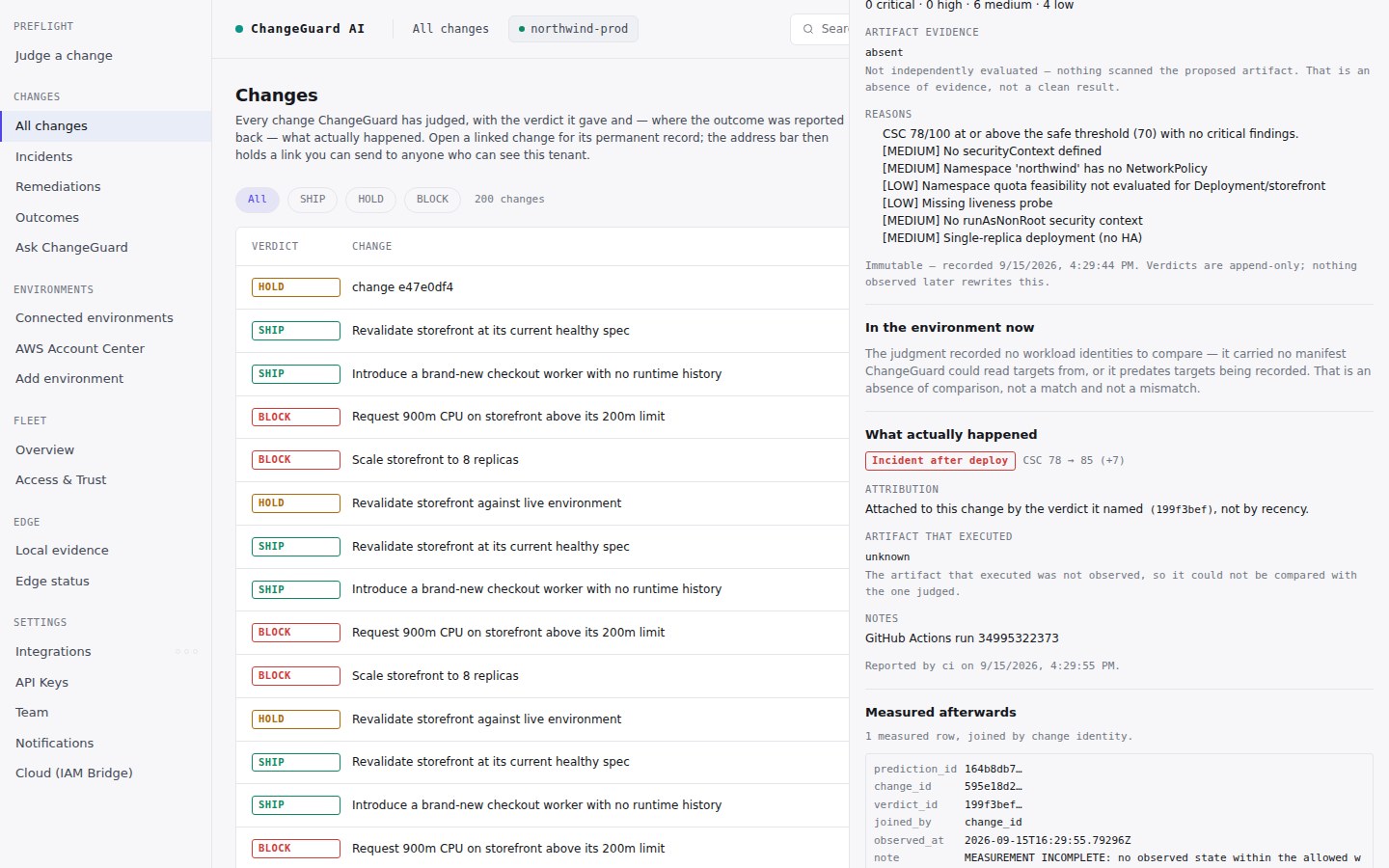
CrashLoopBackOff after a deploy, answered
Why did my pod CrashLoopBackOff after a deploy?
A CrashLoopBackOff that starts right after a deploy almost always means the new revision can’t start — a bad config or env value, a failed migration, a changed command or schedule format, a missing secret, or the container being OOMKilled at startup. Because it began at the deploy, the fastest path is to read the diff that just shipped, not the logs alone.
How do I find which change caused the CrashLoopBackOff?
Line up the crash’s start time with your most recent rollout (kubectl rollout history) and read that revision’s diff. ChangeGuard AI does this automatically — it links the failing workload to the exact commit and diff that shipped it, with a cited root cause and a proposed fix.
What does CrashLoopBackOff actually mean?
The kubelet is restarting a container that keeps exiting, waiting a little longer between each attempt — an exponential backoff capped at five minutes. It’s a symptom; the exit code and the previous container’s logs tell you why it’s exiting.
Does ChangeGuard AI block the deploy?
A verdict is a judgment, not an enforcement: in your pipeline you choose whether a BLOCK fails the job (the shipped GitHub Action does by default). ChangeGuard explains what happened and proposes the fix; applying a fix is a separate, Permit-governed authority — a person approves it in Advise, or your policy allows it in Auto.
See it investigated live
Watch ChangeGuard AI link a crash-looping service to the exact change that shipped it, with the root cause and the fix — in the interactive demo. No signup, no install.